
Start With the Real Symptom
Saying 3 Patti Pearl is not working is a category, not a diagnosis. Black screens, instant crashes, endless loading, frozen buttons, and audio-only glitches each point to different first steps. Name the symptom precisely before you reinstall anything. Precision saves time and protects your login state from unnecessary data wipes.
Reproduce the issue once with attention. Does it happen on Wi‑Fi and mobile data? Does it start at launch or only when joining a table? Did it begin after an update, a phone OS patch, or a storage crunch? Those answers choose your repair path better than a random video titled secret fix.
Avoid so-called repair APKs, crack tools, or remote helpers who ask for OTP codes. Those paths create new problems.
Fast Triage Order
Use a fixed order so you do not skip the cheap checks. Confirm that other apps can reach the internet. Force stop 3 Patti Pearl and reopen. Reboot the phone. Retry on the opposite network type. Only then consider cache clearing, updates, or reinstall from a trusted package.
- Test Chrome or YouTube for general connectivity
- Force stop the game and relaunch on Wi‑Fi
- Reboot the device to clear transient socket issues
- Switch between Wi‑Fi and mobile data
- Disable VPN or experimental private DNS for a test
- Free storage if the phone is nearly full
- Update or reinstall only from a source you trust
Pakistan users often see evening congestion that looks like an app death spiral. If multiple online games fail at the same hour, wait or move networks before blaming the client alone. Local conditions deserve a slot in your triage.
Symptom Matrix
| Symptom | Try first | Try next | Avoid |
|---|---|---|---|
| Black screen on launch | Reboot + Wi‑Fi | Trusted reinstall | Random modded repair file |
| Crash after splash | Free storage | Update WebView/system components if relevant | Clearing data as step one |
| Endless loading | Switch network / off VPN | Retry later during lower traffic | Spam tapping join |
| Buttons frozen | Force stop | Clear cache carefully | Granting weird new permissions from ads |
| Tables fail only | Network path checks | App update | Assuming account wipe is required |
Launch Failures Versus In-Session Failures
Launch failures usually implicate install integrity, storage, graphics drivers, or corrupted local files. In-session failures more often implicate network path, server busy windows, or device thermal throttling. Do not apply a launch fix to an in-session symptom without checking the difference.
If the app opens to the lobby but cannot seat you, collect what the error text actually says. Timeout, authentication, and version mismatch messages are not interchangeable. Screenshot the text for your own notes before it disappears.
- Lobby loads but seating fails: prioritize network and version
- Crash before lobby: prioritize storage, install integrity, reboot
- Crash only on reward screens: clear cache after a backup login plan
- Works on data but not Wi‑Fi: inspect router DNS or firewall features
- Works at noon but not at night: consider congestion before reinstall
After Android System Updates
System updates can change background limits, notification permission models, or WebView behavior. If 3 Patti Pearl broke the same day as an OS patch, test battery optimization exclusions for the game, confirm the app still has needed network access, and check whether a fresh client build is available. Give the phone one clean reboot after major OS updates before deeper steps.
Cache and Data Decisions
Clearing cache is a moderate step. Clearing all data is a heavy step. Cache clear often helps corrupted temporary files without removing account tokens; data clear can force a full login and may drop guest-only progress. Know which account method you use before you wipe data.
If you must clear data, do it on a stable connection with credentials ready. Do not clear data while angry about a single lost hand. Emotional maintenance is how people lock themselves out of linked rewards for an evening.
- Prefer cache clear before data clear
- Confirm login method and password reset access first
- Reopen and test on Wi‑Fi
- Re-enable only the permissions the app actually needs
- If the issue persists, move to trusted reinstall
Reinstall Discipline
Reinstalling can fix broken packages, but only if the new file is intact and from a trustworthy place. Uninstall, download a complete package on Wi‑Fi, and install without stacking three different APKs from three different blogs in the same hour. Conflicting signatures are a common reason “reinstall” seems to fail.
After reinstall, test launch before investing time in events. Confirm that login works, that the lobby loads, and that a simple table open succeeds. Then restore your normal habits. Skipping the smoke test wastes the whole effort.
| Reinstall stage | Success signal | Failure signal |
|---|---|---|
| Download | Complete file, stable size | Browser interrupted halfway |
| Install | Opens to lobby or login | Parse or conflict errors |
| First session | Stable for ten minutes | Immediate repeat crash |
| Follow-up | Issue gone across networks | Only works on one network still |
Device Health Checks People Skip
Overheating, 100% storage, and aggressive third-party cleaners cause mysterious “not working” reports. Cleaners that auto-kill games mid-session are frequent culprits. Put the game on an allowlist if your cleaner has one, or uninstall the cleaner during testing.
Time and date set incorrectly can break secure connections. Enable automatic date and time. Likewise, experimentally modified system clocks for event tricks are a bad idea and can make the app look permanently broken.
- Leave a few hundred MB free at minimum
- Remove dust-clogged cases when the phone runs hot
- Disable hyper-aggressive memory cleaners during tests
- Use automatic date and time
- Test with Bluetooth accessories disconnected if crashes correlate
When Waiting Is the Fix
Server-side incidents and peak-hour congestion resolve without any surgery on your phone. If social channels or multiple friends report the same outage, protect your energy: wait, play offline hobbies, and retry later. Repeating reinstalls during a global incident only adds risk.
Set a personal rule such as two full triage passes, then a timed pause. That rule prevents an evening from becoming a six-hour repair spiral. Games are supposed to entertain; maintenance has diminishing returns.
Notes Worth Keeping If You Contact Support
If you reach official support channels, provide device model, Android version, app version if shown, network type, and the exact error text. Clear notes get clearer answers. Demands for guaranteed restores of unverified guest progress are less helpful than factual timelines.
Graphics Drivers, WebView, and Overlay Clashes
Some crash loops correlate with outdated Android System WebView or conflicting screen overlays from recorders, cleaners, and blue-light filters. If launch crashes happen before any lobby art appears, update WebView and disable overlays for a control test. Overlays that draw on top of the game can also make buttons look frozen when they are only blocked.
Graphics intensive skins on low RAM devices may fail after a big OS theme change. Switching temporarily to a lighter system theme during testing is a reasonable experiment. Return to your preferred theme after stability returns so you know whether theme engines were involved.
- Update Android System WebView when crashes are immediate
- Disable screen recorders and filter overlays for a test launch
- Close floating chat bubbles that cover the play area
- Retry after a light system theme if a heavy theme landed today
- Avoid unofficial GPU tweaks marketed as gaming boosters
Account-Safe Experiments Versus Risky Ones
Safe experiments change one variable: network, reboot, cache, or a trusted update. Risky experiments include stacking multiple APKs, granting accessibility access to repair tools, or letting a stranger remote-control the phone. If an experiment cannot be explained in plain language, skip it.
Create a personal stop rule: after two full triage passes without improvement, pause overnight. Fresh attention the next morning often spots a simple missed toggle. Exhausted overnight repair sessions produce more mistakes than solutions.
| Experiment | Account risk | When to use |
|---|---|---|
| Force stop + reboot | Low | First hour of symptoms |
| Clear cache | Low to moderate | After basic network checks |
| Clear data | High for guests | Only with login readiness |
| Trusted reinstall | Moderate | Broken package suspected |
| Random repair APK | Severe | Never |
Timeboxing Repairs So the Evening Survives
Give troubleshooting a clock. Forty focused minutes with a written list beats three unstructured hours of random taps. When the timer ends without a fix, switch to an offline activity and schedule one more attempt tomorrow on Wi‑Fi. Games should not consume an entire night in repair mode.
Tell anyone sharing your attention what you are doing so you are not interrupted mid-install. Interruptions during package changes create the next not-working report. A small amount of communication prevents a large amount of corruption-style confusion.
- Write the symptom in one line before touching settings
- Run the triage order once without skipping
- Stop when the repair timer ends
- Sleep on unresolved cases instead of rage reinstalling
- Retry with fresh notes the next day
Recovery Mindset
Most not-working cases are ordinary: network, storage, outdated build, or a bad download. Approach them like a checklist, not like a conspiracy. Skip hack forums. Skip paid remote control offers. Keep your account credentials private while you work the list.
When the app returns, resist the urge to immediately enter a long event as a celebration. Smoke test with a short session. Stable ten minutes beat a dramatic final table attempt that crashes again and restarts the whole story.
Document what finally worked in a phone note. Future you will thank present you the next time a splash screen hangs after a system update. A two-line personal playbook is worth more than a bookmark to a dubious repair site.
Finally, keep perspective: a broken evening session is inconvenient, not an emergency that justifies unsafe downloads. The app will still be there tomorrow after a clean, patient repair path.
Screenshots
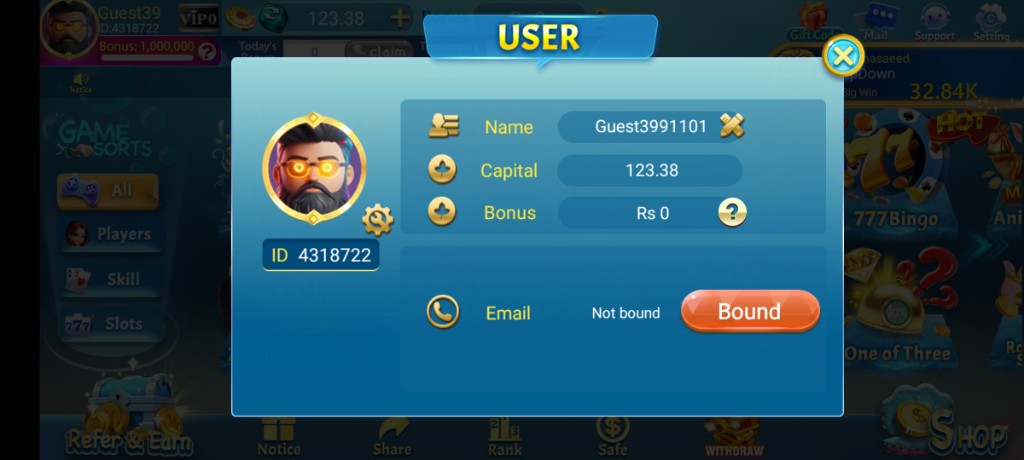
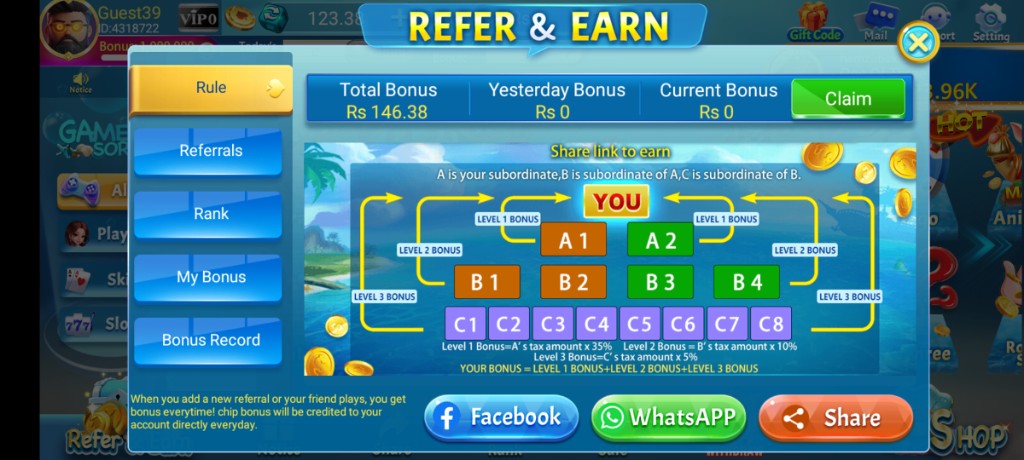
These are real app UI screenshots to make each step easier to follow. Balances and events can change, so always match what you see in your installed version.
Frequently Asked Questions
What is the first fix to try?
Confirm internet works in another app, then force stop and reopen 3 Patti Pearl on Wi‑Fi.
Black screen on open — what next?
Reboot the phone, free storage, then reinstall from a trusted APK if needed.
Could VPN cause this?
Yes. Some VPNs break game traffic. Test without VPN.
Should I install a “repair APK” from social media?
No. That is a common malware pattern.
When do I contact support?
After basic network, restart, and update checks fail. Share your ID and exact error.
Does “not working” always mean the app is dead?
No. Many cases are local network, storage, or outdated build issues.
Conclusion
If the app opens but cannot sync, switch to the network error page.
Next step: How to Solve Network Errors in 3 Patti Pearl.