
Why Updates Matter Without the Hype
Updating the 3 Patti Pearl APK is about aligning your client with current server expectations, security patches, and feature layouts. It is not a magic performance ritual and not a guarantee of better card outcomes. Approach updates as careful maintenance: preserve account access, install a complete package, and verify the app afterward.
Players in Pakistan often update outside official store flows depending on availability. That reality raises the bar for source caution. A wrongly sourced “update” can be an entirely different signed package that forces an uninstall and risks confusion. Prefer documented sources and complete downloads over the first mirror in a search ad.
Skip update files that advertise hacks, unlimited rewards, or bypass tools. Those are not updates.
Before You Replace the Build
Spend five minutes on prevention. Confirm you can log in with your current method. Claim pending inbox rewards if you do not want them sitting unclaimed across a client change. Note the current version string if the app shows one. Free enough storage for download plus install overhead.
- Link or verify account access while the old build still opens
- Claim time-sensitive mail rewards you care about
- Note the current version for your own records
- Download the new package on trusted Wi‑Fi
- Keep the old APK only if you knowingly manage versions; otherwise avoid cluttering storage with random files
If a tournament or long session is in progress, finish or leave cleanly before updating. Mid-event updates are how people turn a stable night into an avoidable disconnect story.
Signature Matching and Install Path
Android installs updates smoothly when the new package shares the expected signing identity with the installed app. When signatures differ, the system may refuse the update or require uninstall. That refusal is a safety feature, not a personal attack. Do not bypass it with shady engines that claim to force overinstall.
If the update refuses, stop and reassess the source. Installing a conflicting package after uninstall may still work as a fresh install, but only if you accept that you are trusting that package with your next login. Choose carefully rather than racing.
| Update result | Meaning | Next step |
|---|---|---|
| Install over existing succeeds | Signatures likely match | Open and smoke test |
| Conflict or signature error | Different signing identity | Re-check source; avoid force tools |
| Parse error | Broken or incomplete file | Redownload fully on Wi‑Fi |
| Insufficient storage | Not enough free space | Clear space and retry |
Download Integrity Habits
Partial downloads are a leading cause of mysterious update failures. Do not rename random files to end in .apk and hope. Let the browser finish. If the download pauses, resume carefully or restart once on a stable connection rather than stitching pieces by hand.
Prefer Wi‑Fi for larger packages. Mobile data fluctuations increase incomplete transfers. After download, avoid opening the file through unknown cleaners that claim to optimize APKs. Open through the system installer or your trusted file manager.
- Complete the file before tapping install
- Reject survey walls and misleading buttons around the download
- Compare file size roughly if the source publishes it
- Keep only one candidate update file to avoid installing the wrong one
- Delete failed partials that clutter the download folder
Permissions After Update
Some updates re-prompt permissions. Grant only what the game needs to function. A sudden demand for contacts or unrelated access deserves a pause and a second look at whether you installed the intended package. Permission creep is a smell.
Smoke Test Afterward
Open the app on Wi‑Fi. Log in. Walk to the lobby. Join a low-pressure table or mode for a few minutes. Check that bonus panels still open. Only after that smoke test should you enter long events. Updates that seem fine at the splash can still crash on a specific screen.
If the UI looks rearranged, read labels instead of relying on muscle memory from last month. Features move. Your account progress should still resolve through the same login method even when icons shift.
- Launch and login
- Confirm lobby stability
- Open settings once to see version notes if shown
- Test a short session
- Then resume tournaments or longer play
Rollback Reality
People ask about rolling back when a new build feels worse on their phone. Rollback is not always possible, and mixing random older APKs from unknown archives can introduce signature chaos. If you attempt any rollback, you accept extra risk and should still protect credentials.
Often the better path is reporting the issue, freeing device resources, and waiting for a follow-up client rather than living on an unofficial archive chain. Stability habits beat museum keeping of ten old files.
| Feeling after update | Constructive response | Risky response |
|---|---|---|
| Slightly different UI | Relearn labels calmly | Immediate rollback scramble |
| Worse performance | Clear cache, free RAM/storage | Install random optimizer APK |
| Login fails | Use login checklist | Create duplicate panic accounts |
| Feature missing | Check event/region notes | Assume hacked client needed |
A Version Notes Habit
Keep a tiny personal changelog: date, version label if known, and one line about what changed for you. That habit helps when support asks questions and helps you notice whether a problem truly started with a specific build. It also prevents false memories about features that moved rather than vanished.
Do not trust viral posts that claim a version number guarantees jackpot rates. Version labels identify builds. They do not encode secret winning schedules. Treat rumor posts as entertainment at best and malware delivery at worst.
Choosing an Update Cadence
You do not need to install every mirror the moment it appears. A sensible cadence is to update when you see clear client-server mismatch errors, when security or stability fixes matter, or when a feature you use requires the newer build. Updating during a stormy network week without need adds risk.
Conversely, clinging to a very old build can eventually block login or events. Balance curiosity with caution. If friends on the same region already moved forward and your client cannot join, that is a practical signal.
- Update for mismatches and stability, not for FOMO alone
- Avoid stacking multiple update attempts in one hour
- Keep account recovery ready before each major jump
- Retest network permissions if the OS asks again
- Delete obsolete APK files after a successful week on the new build
Family Shared Devices
On shared phones, tell other users when an update is happening so nobody interrupts the installer. Incomplete installs from interruptions look like mysterious corruption later. A sticky note in a family chat is a valid tech strategy.
Storage Planning for Larger Clients
Newer clients sometimes ship heavier assets. If your phone lives near full capacity, updates fail in ways that look like mysterious incompatibility. Before a planned update evening, clear camera clutter, old WhatsApp media, and unused APKs. Leave a comfortable buffer so unpacking does not fight with other installs.
Adopted SD card strategies differ by OEM. When in doubt, keep both the downloaded APK and the installed app on internal storage for the update window. Moving apps to external storage mid-process is an avoidable source of broken shortcuts.
- Free space before you download, not after a failure
- Remove obsolete APK archives you no longer need
- Pause large unrelated downloads during install
- Keep internal storage as the default landing zone
- Recheck free space if the installer fails unexpectedly
When the Client Demands an Update
Sometimes the lobby itself refuses entry until you update. That message is useful because it removes guesswork. Still follow the same careful download path. Urgency from the client is not permission to tap the first ad mirror that appears in a search result.
If you cannot update immediately — for example, you are on a metered connection — step away rather than trying to bypass with an incompatible old build forever. Come back when you can download cleanly. Forcing play through unofficial workarounds during a mandatory update window usually ends in repeated errors.
| Client signal | Interpretation | Response |
|---|---|---|
| Update required to continue | Version gate is active | Trusted download when ready |
| Optional update banner | You can wait briefly | Update on stable Wi‑Fi soon |
| No message but features fail | Possible soft mismatch | Compare with friends; consider update |
| Update then login fails | Separate login problem | Use login checklist after smoke test |
Reading Changelogs Without Overfitting
When a source publishes changelog bullets, read them as orientation, not as prophecy. Words like improved stability are aspirational summaries. Your device may still need a cache clear after upgrading. Conversely, a short changelog does not mean nothing important moved in the UI.
Do not invent secret meanings from version numbers. Increment patterns identify builds for support conversations. They do not encode payout schedules. Keep interpretation humble and practical: what might I need to re-find in the lobby after this install?
- Skim changelog for login, event, or permission notes
- Expect UI drift even when bullets are short
- Retest your usual bonus claim path once
- Ignore numerology posts about version digits
- Save the version label in your personal note
Closing Perspective on APK Updates
Safe updates are boring in the best way: account ready, complete file, matching install path, smoke test, done. Exciting update promises from unofficial ads are usually the opposite of safe.
Keep 3 Patti Pearl current enough to function, protect your login across the jump, and ignore anyone selling an update that also claims to control outcomes. Maintenance is not a betting edge. It is how the app keeps launching on Monday morning.
When an update goes well, you should barely think about it afterward. That quiet return to normal play is the success metric — not a dramatic before-and-after fantasy about sudden winning streaks.
If friends pressure you to install an unverified build the same hour it appears online, let them go first on their own risk budget. Being a day later with a clean package is usually the wiser Pakistan Android habit.
Screenshots
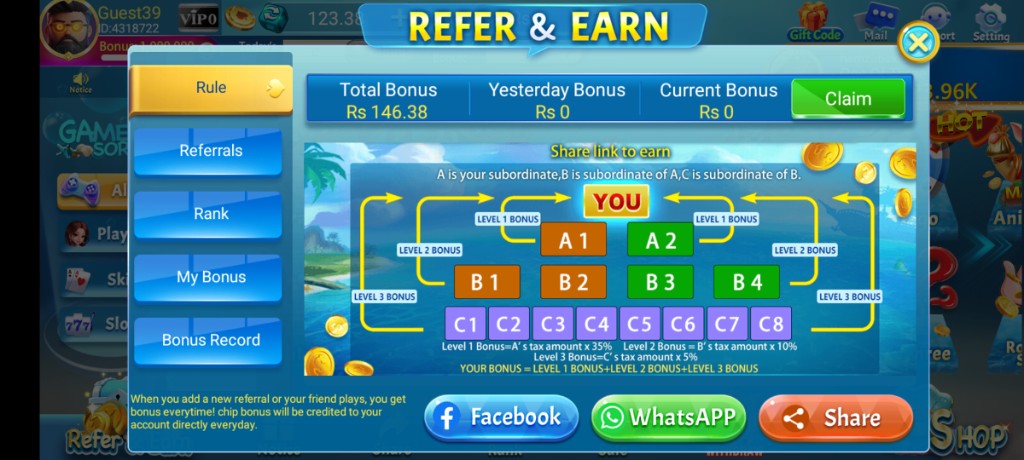
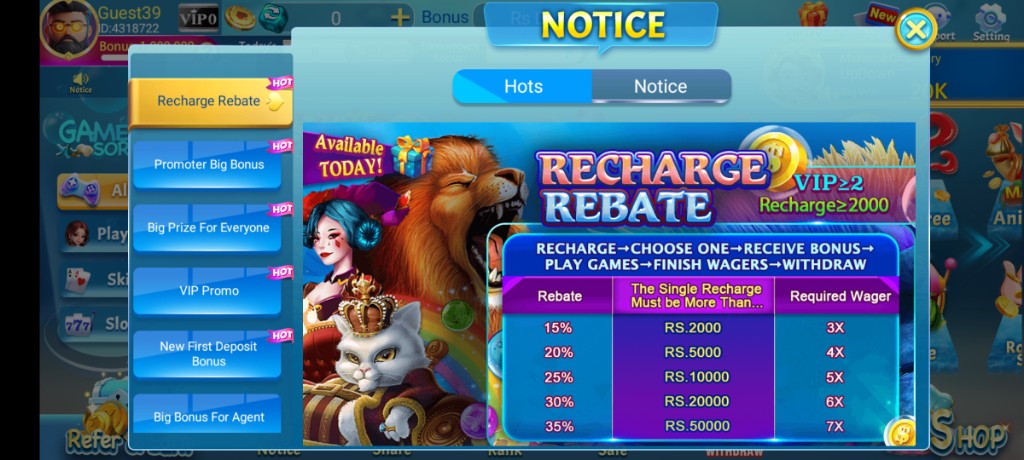
These are real app UI screenshots to make each step easier to follow. Balances and events can change, so always match what you see in your installed version.
Frequently Asked Questions
Should I update before linking my account?
Link or log in first so progress is recoverable.
Why does update say app not installed?
Signature mismatch from mixed sources is a common cause.
Is Wi‑Fi required?
Not always, but Wi‑Fi reduces incomplete update downloads in Pakistan.
Do I clear data before every update?
No. Prefer in-place update when signatures match.
What do I verify after updating?
Login works, lobby loads, and pending rewards still appear.
Are secret paid update packs real?
Be skeptical. Prefer normal trusted APK update paths.
Conclusion
After a clean update, skim the changelog-style checklist for what to retest.
Next step: What's New in the Latest 3 Patti Pearl Update?.